
Device & driver info
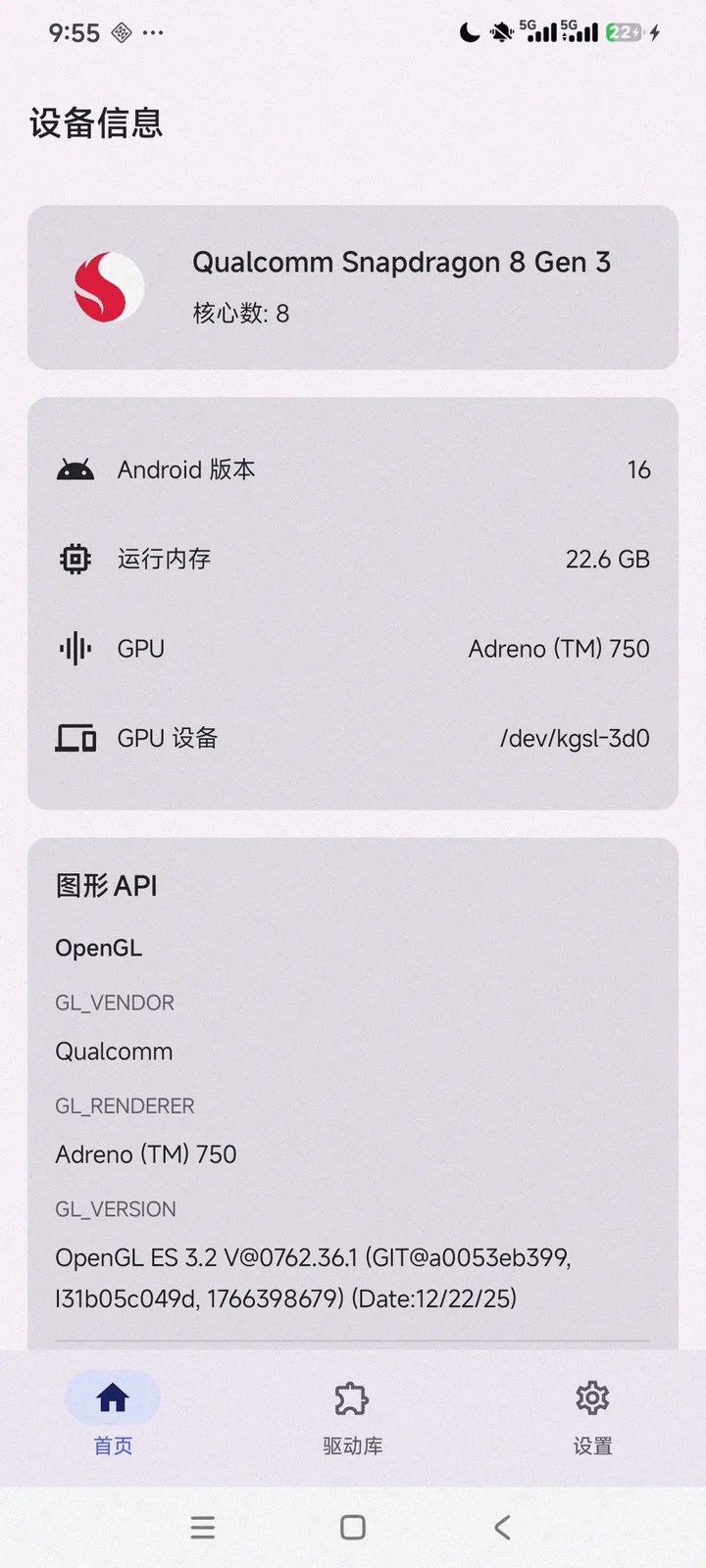
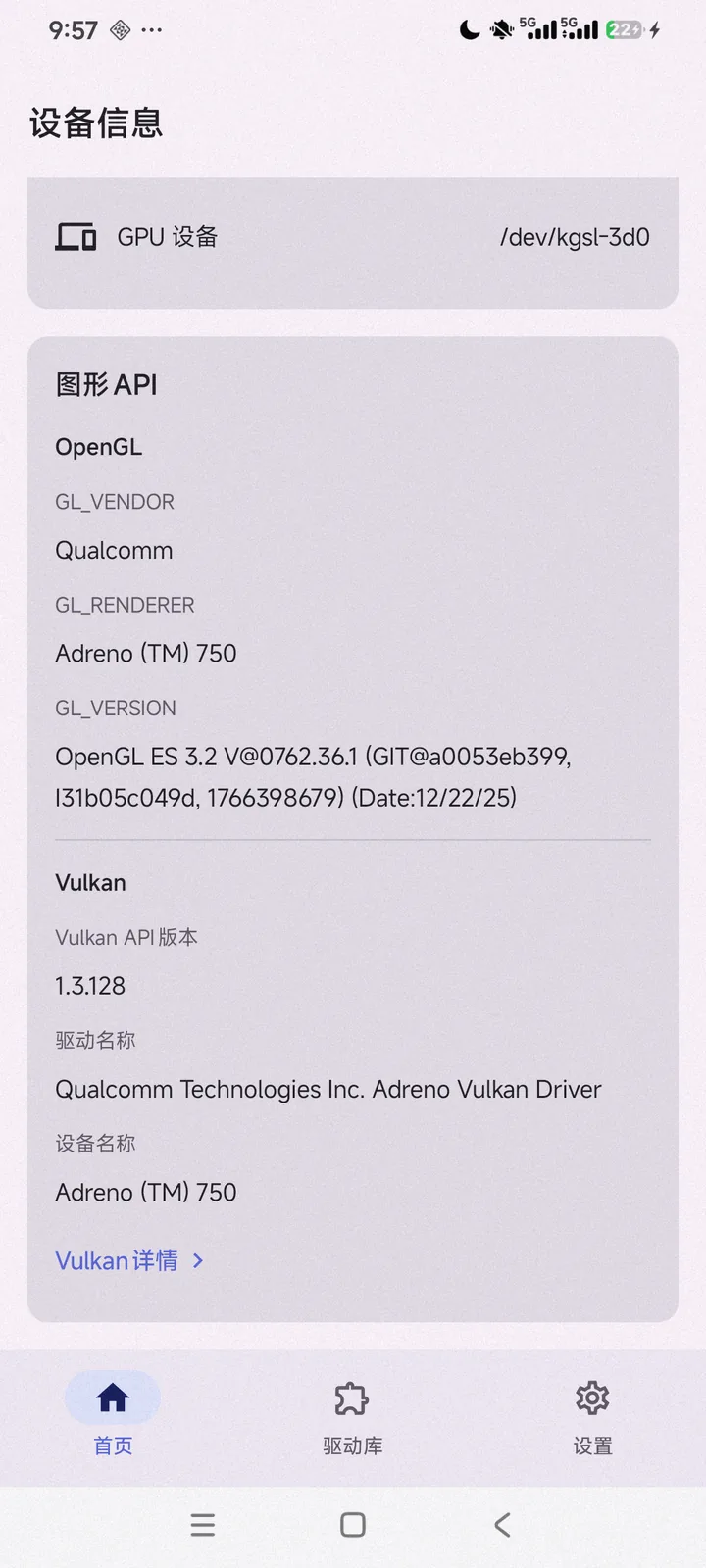
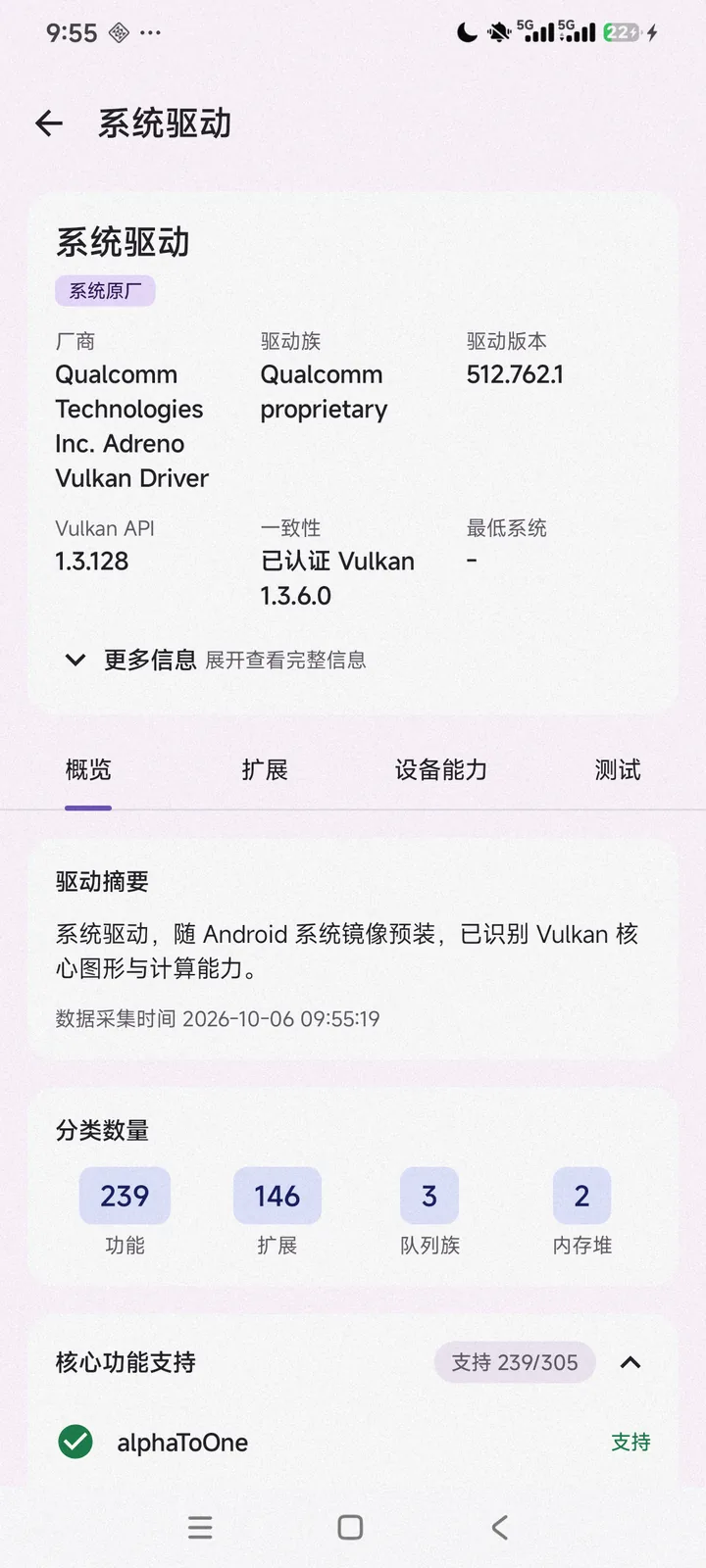
Reads SoC, CPU core count and frequency, RAM, GPU model and vendor, Android version, the Linux GPU device node, plus driver name, vendor, Vulkan API version, driver version and build date.
Inspect, compare, and test GPU drivers.
A Vulkan graphics driver analysis and benchmarking tool for Android. See which versions and extensions your device's current driver supports, download, import and compare candidate drivers, then run graphics tests and offscreen benchmarks directly.
Implemented without root. It never modifies system partitions or replaces the stock driver.
Reads SoC, CPU core count and frequency, RAM, GPU model and vendor, Android version, the Linux GPU device node, plus driver name, vendor, Vulkan API version, driver version and build date.
Enumerates instance and device extensions grouped by purpose, lists Vulkan 1.0–1.4 core feature support, and reads device limits, queue families, memory heaps and image format capabilities.
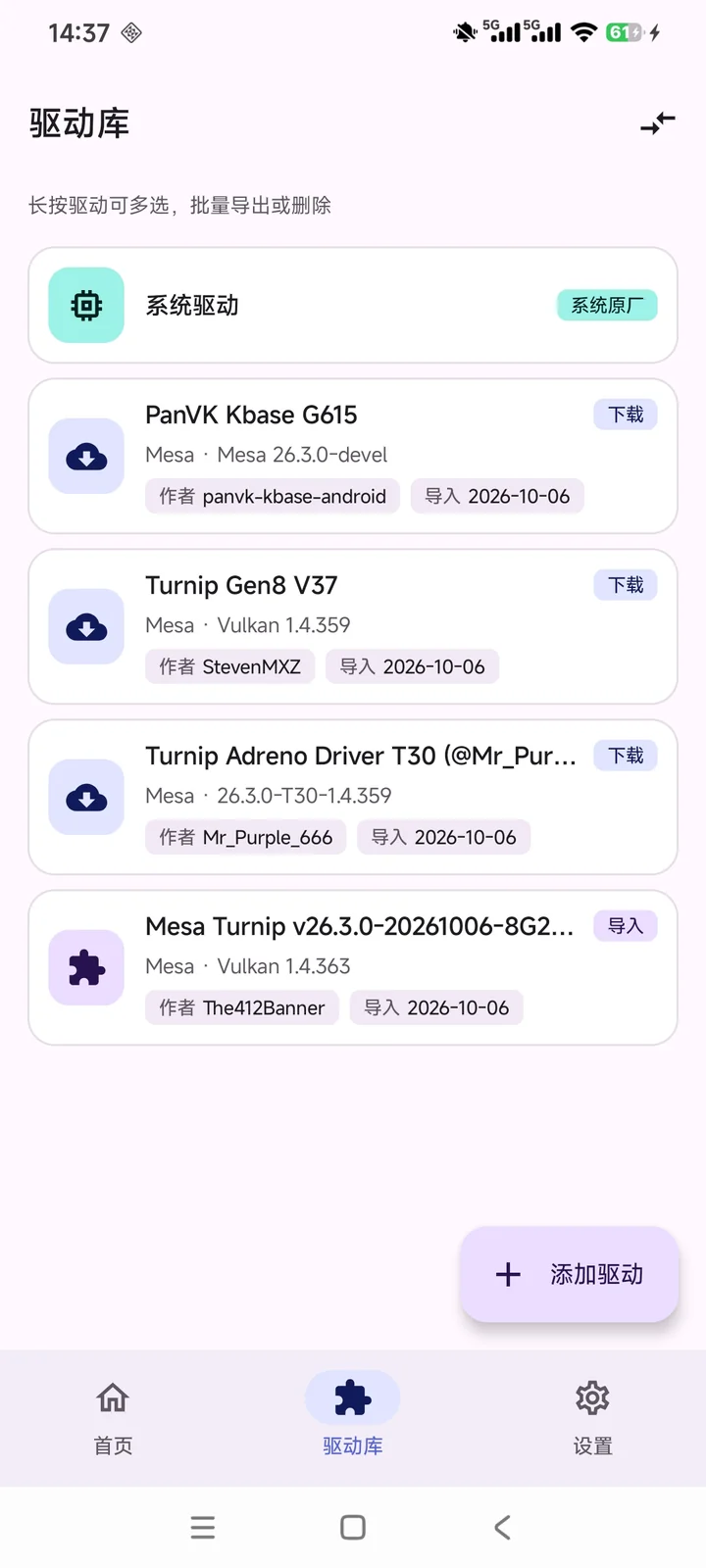
Manages stock, downloaded and imported drivers in one unified model. System drivers are always present and non-deletable; select any to open details or compare.
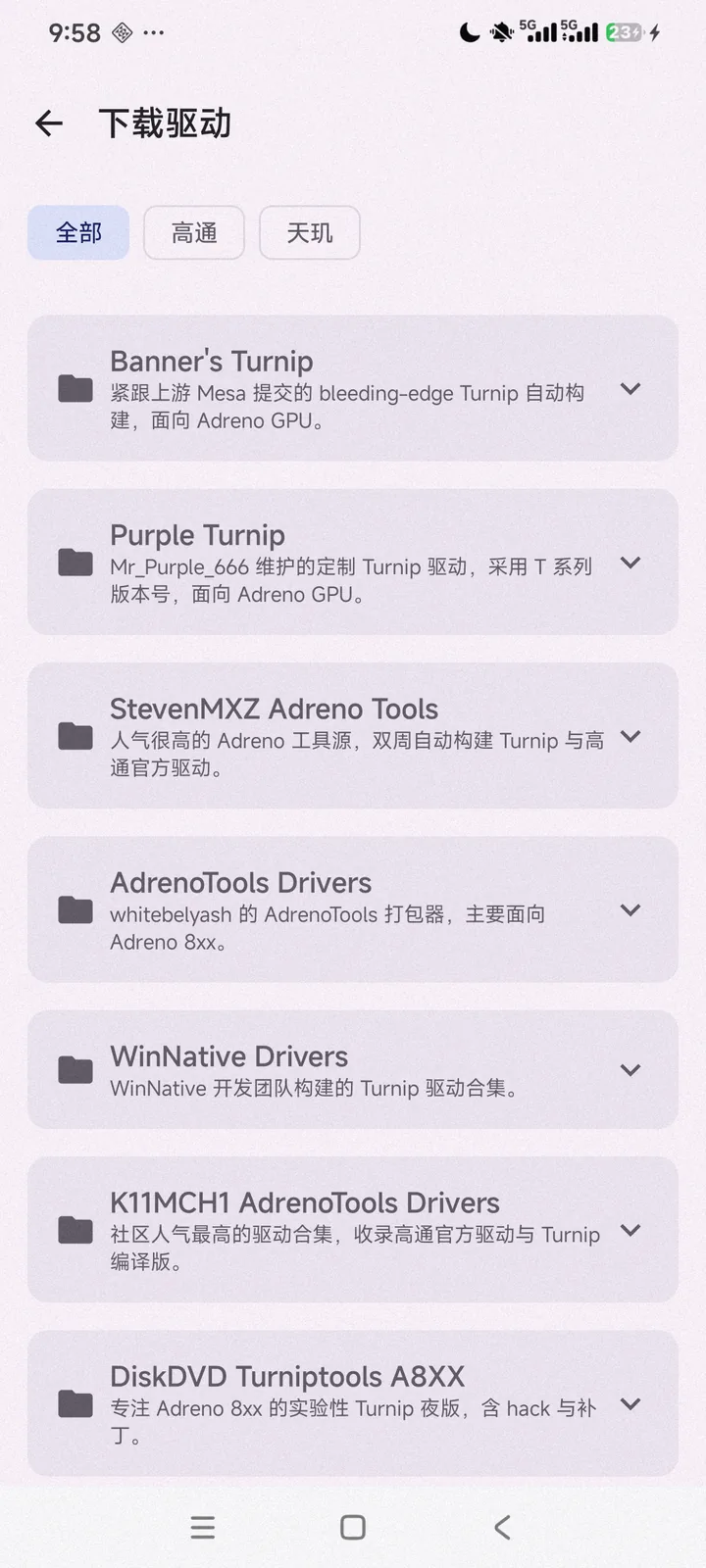
Browse and download from built-in open-source driver sources filtered by Qualcomm, Dimensity and more, with progress, size and percentage; switch the built-in GitHub proxy prefix or set a custom one.
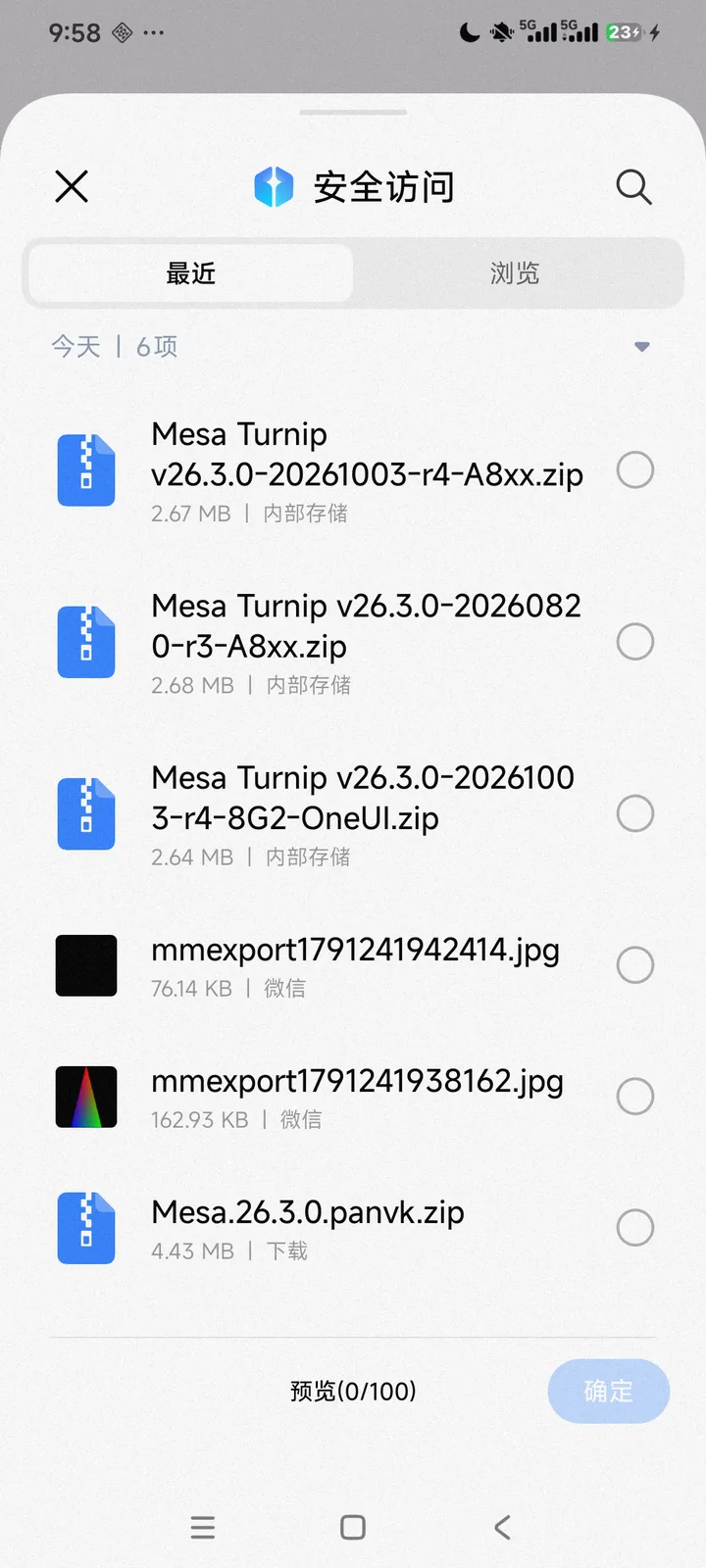
Import zip driver packages or .so files from the system file picker, extract them safely, identify driver files and metadata, and parse library name, version and extensions.
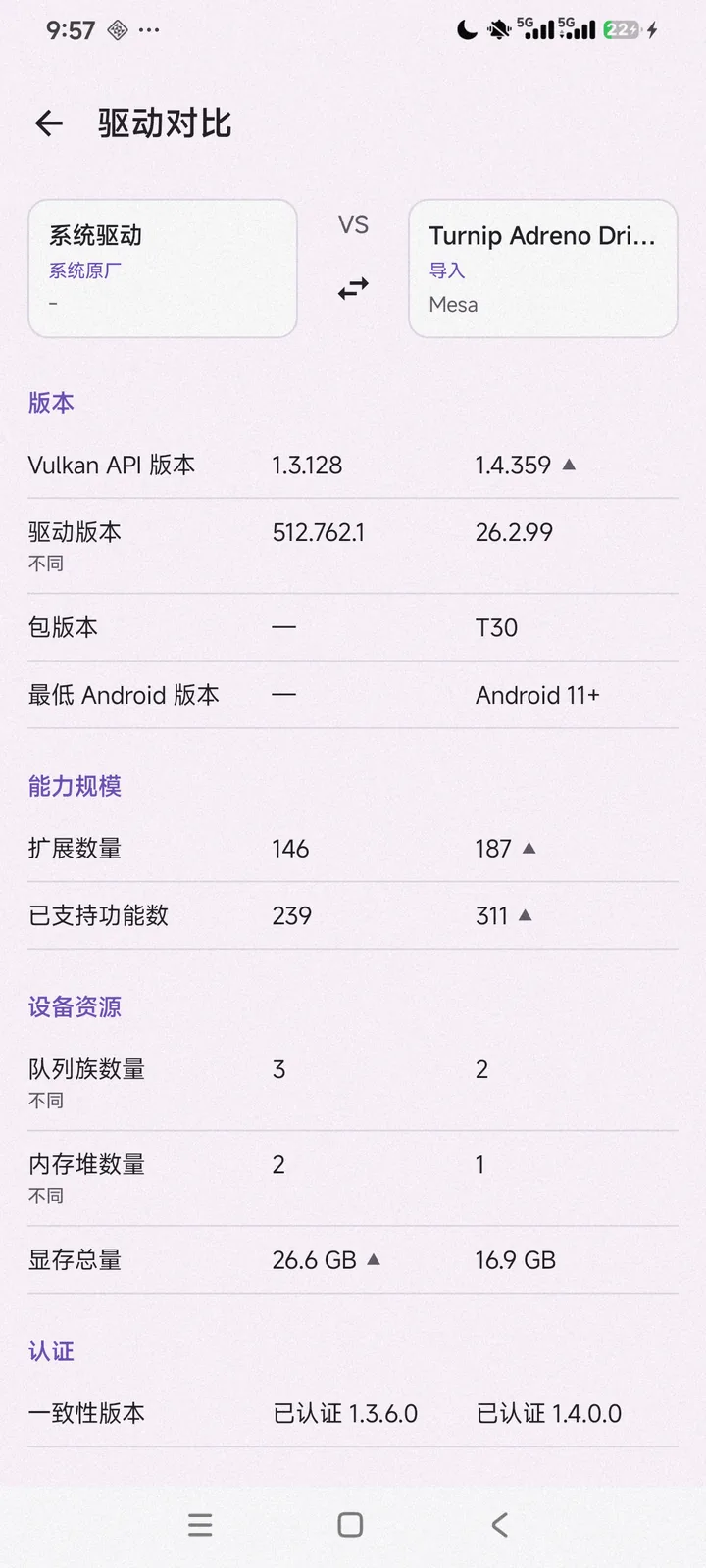
Compare two drivers side by side across version, extension count, capability size, total VRAM, conformance and each test result, with visual highlighting of the differences.
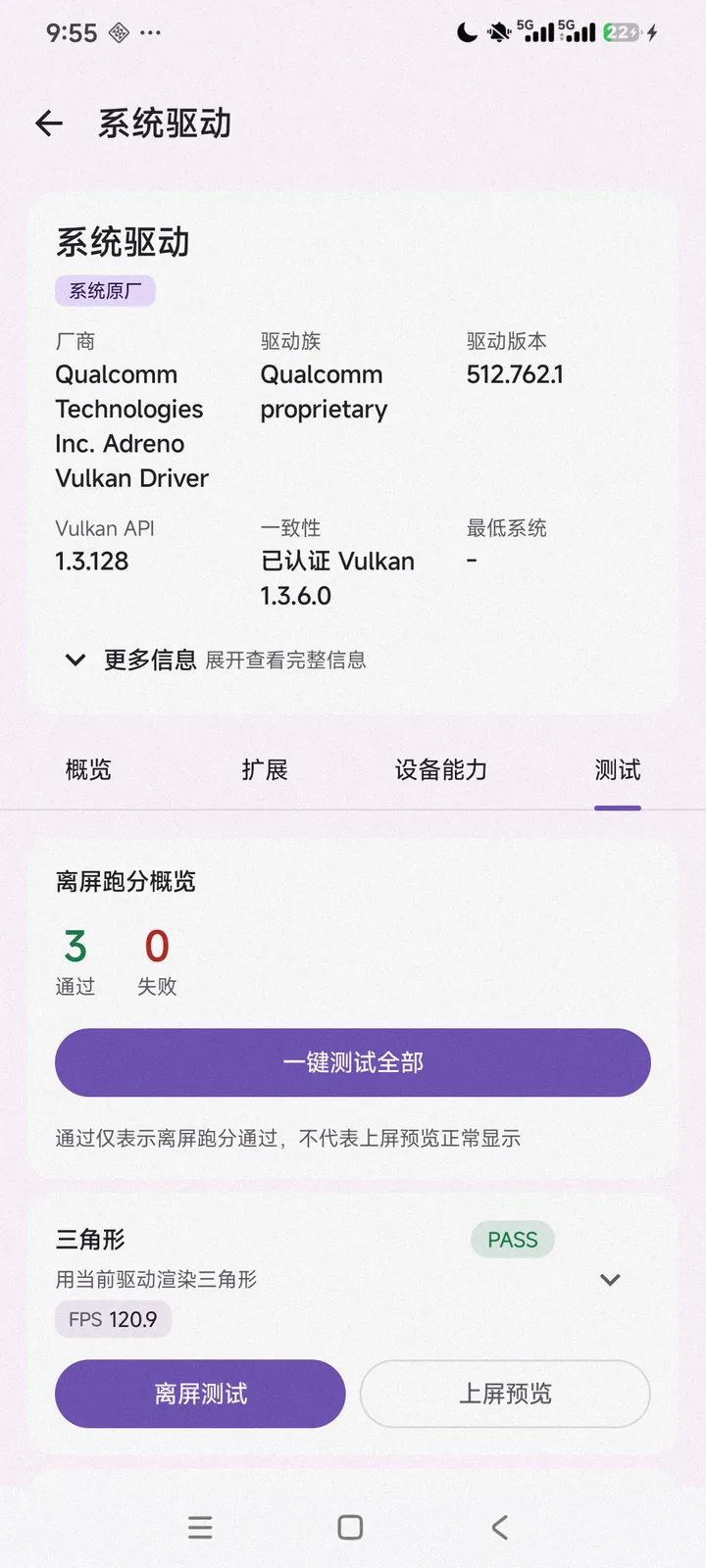
Run triangle, cube, vkmark and other cases under a chosen driver; the actually loaded driver is echoed first, then pass/fail, score and frame rate.
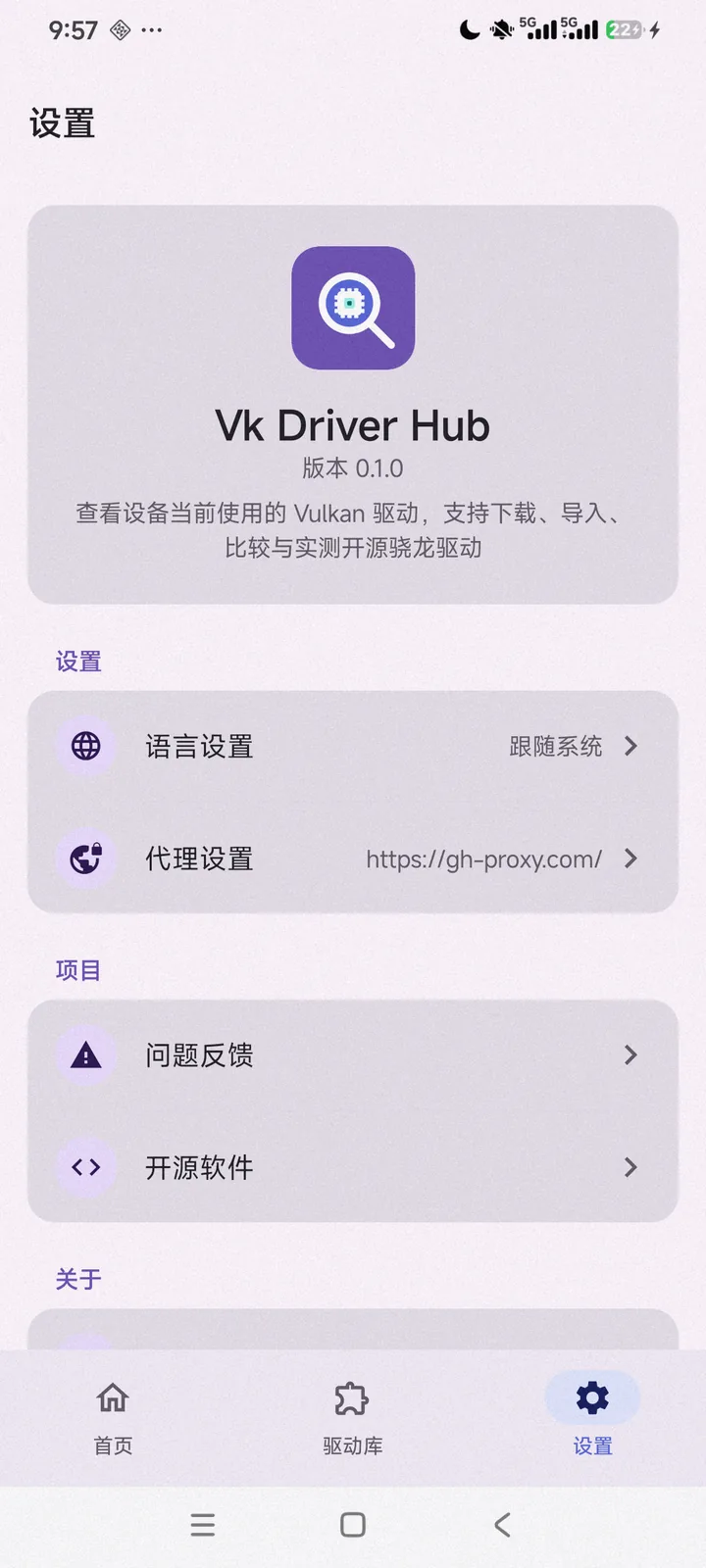
Language and proxy settings, issue feedback and open-source notices, plus copy or export of raw diagnostic data for troubleshooting.
The complete flow, from device info and the driver library to testing and comparison.

Get the latest signed package from GitHub Releases and verify its SHA256.
Latest version —
Fetching release info…
SHA256
GitHub may be slow to reach in some regions: switch the proxy inside the app, or use a local mirror. Before installing, verify the checksum with sha256sum or your system tools.